
Moasure 2 PRO Review: An Honest Take From a Hardscape Contractor
Oct 20, 2026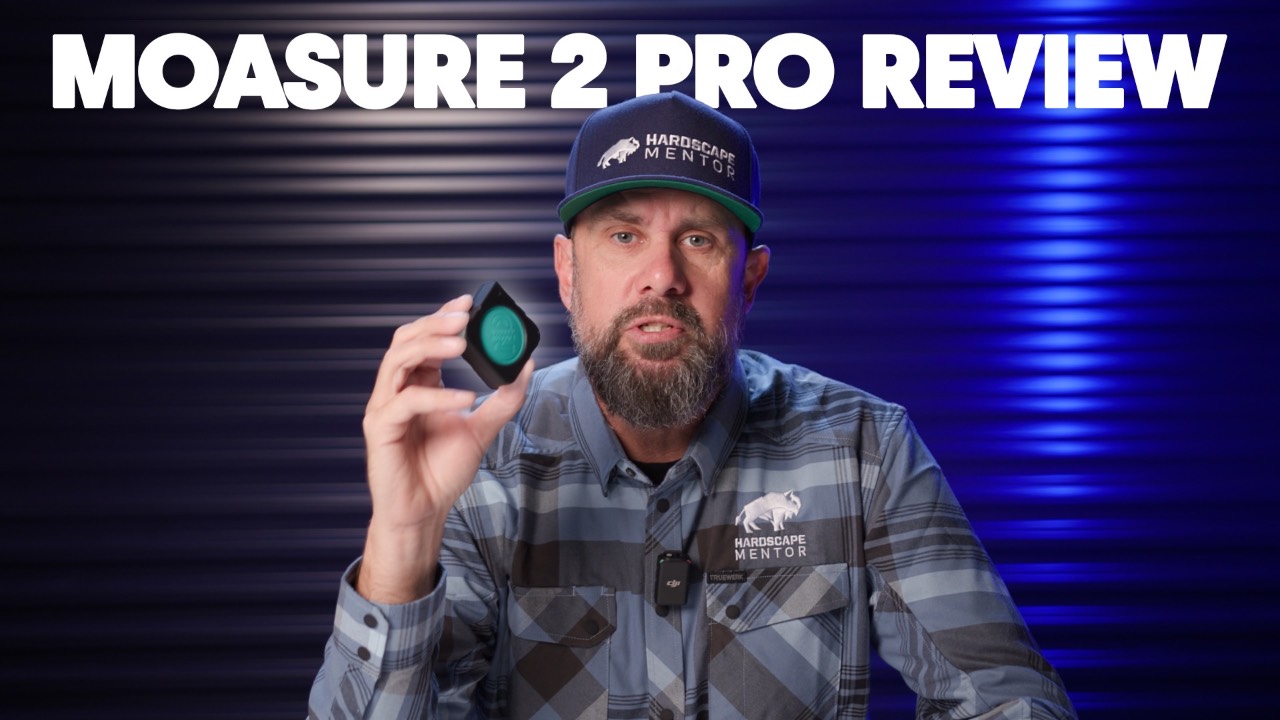
Ad: Moasure reached out to Hardscape Mentor to try the Moasure 2 PRO. All opinions are my own.
The Moasure 2 PRO is worth a look if you are still measuring leads with a wheel, a tape, and a notebook. I put it to work on real leads, and this is my honest review as a hardscape contractor.
I teach contractors how to design and build outdoor living spaces, so I care about one thing in a measuring tool: does it get me accurate numbers faster, with less to carry? Here is how the Moasure 2 PRO held up, where it fits on actual jobs, and what you need to know before you buy one.
The problem with a wheel, a tape, and a notebook
The old routine produces bad numbers and eats time. We have always used a measuring wheel and a tape measure to take on leads, build base maps, and figure out material quantities for takeoffs. It works until the shape gets irregular.
- Irregular shapes: you have to square them off with a tape measure.
- Wheel errors: a wheel does not always click over to the next measurement, and you only find out later that you have false measurements.
- Notebook juggling: you are fumbling with a notebook the whole time, then copying numbers from your reel to your paper.
Every one of those steps is a chance for a mistake before the estimate even starts.
How the Moasure 2 PRO works in the field
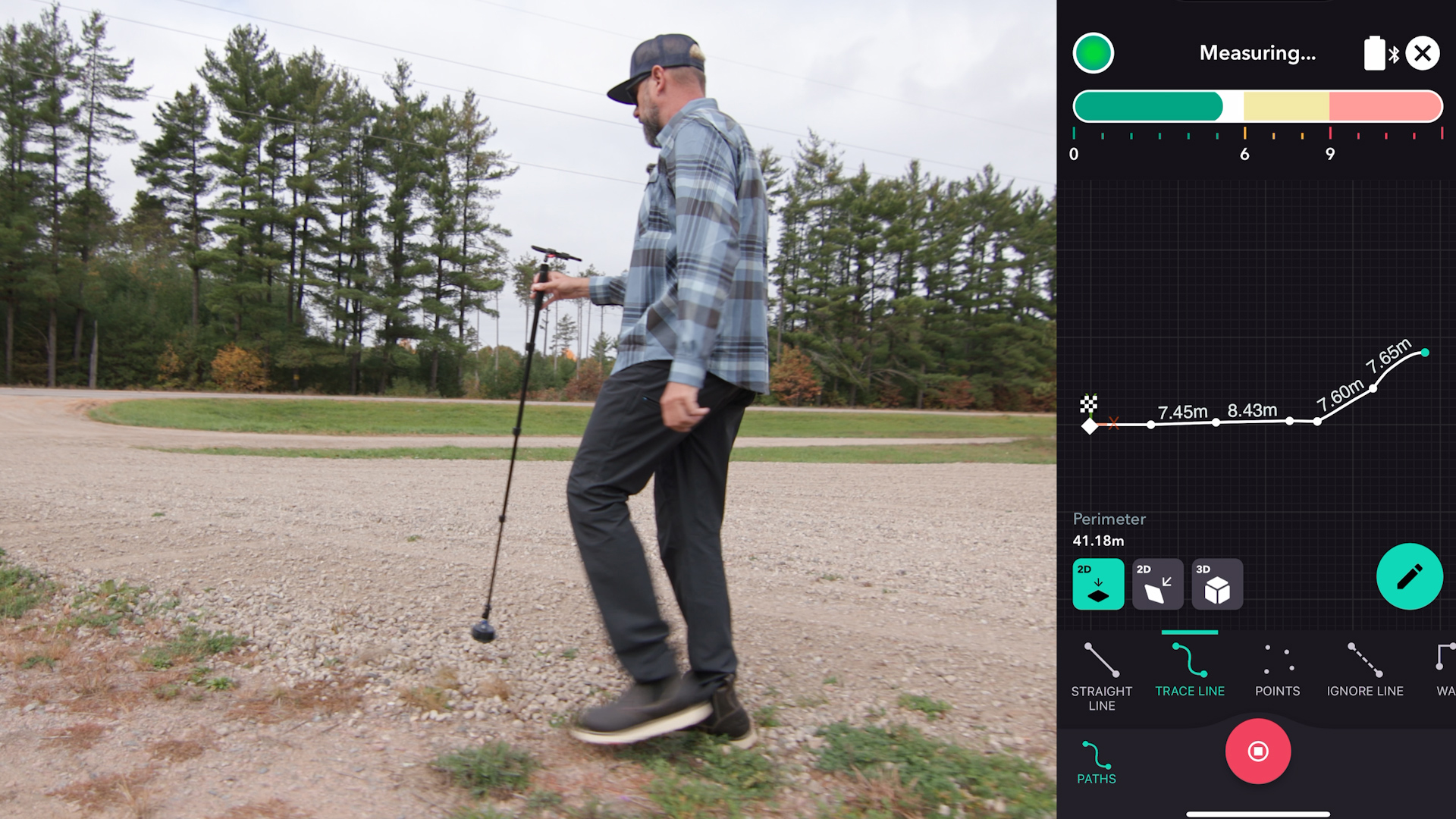
You turn it on, walk the site, and it collects every data point. Everything is stored electronically with one device, so there is no tape, wheel, or notebook. The data saves to your phone, and you can take it anywhere: back to the office, to the client, or to your vendors.
The best part is what happens on an odd shape. Walk around any irregular shape and the Moasure calculates the surface area or the perimeter. In my parking lot demo, a matter of minutes gave me the total surface area and the perimeter. I saved the file on my phone and could send it to my computer or to anyone in my business to keep the estimating process moving.
That is the real gain for a contractor. We are always trying to streamline some part of the business, and this streamlines the lead process.
Where it fits on real hardscape jobs
It earns its place on the jobs hardscapers actually bid.
- Clean and seal: measure irregular patios.
- Retaining walls: measure the elevation and the slope.
- New driveways: overlay the whole thing into your SketchUp program and lay out a new paver design.
It also changes what you carry. I no longer rely on my measuring wheel, I do not square things off with my tape measure, and I do not bring my laser level. One device captures all of it.
Estimating on site, the learning curve, and the verdict
Simple maintenance projects can be estimated right on site, in front of the client. When you do that, you can be confident the measurements you gave are accurate. I take it with me on every lead for that reason, and because new technology impresses clients. Fly a drone and use the Moasure on the same visit, and you may have separated yourself from the competition before the quote goes out.
There is a learning curve, and it matters. The pace you walk at and the placement of the device are both crucial. Train yourself on it, put the time in now to save time on your next lead, and make sure anyone in your office who will use it does the same. I use a lot of old school techniques, but I have no problem adapting to technology that saves me time in the field.
So is the Moasure 2 PRO right for a hardscape contractor? My honest opinion is yes. If you are still measuring the old way, I recommend you check it out.
Get the Moasure 2 PRO: https://moasu.re/HardscapeMentor
Want the full walkthrough? We put together an in-depth training tutorial at HardscapeMentor.com.
Take your hardscaping skills—and your crew—to the next level!
No matter your experience level, we’ve got the training to help you and your team grow. Join today and start building better, faster!